
Indent
A Markdown editor for people who like to see what their marks mean. Your notes stay ordinary .md files, wherever you already keep them. No account, no ads, no tracking.


iPhone · iPad · Mac
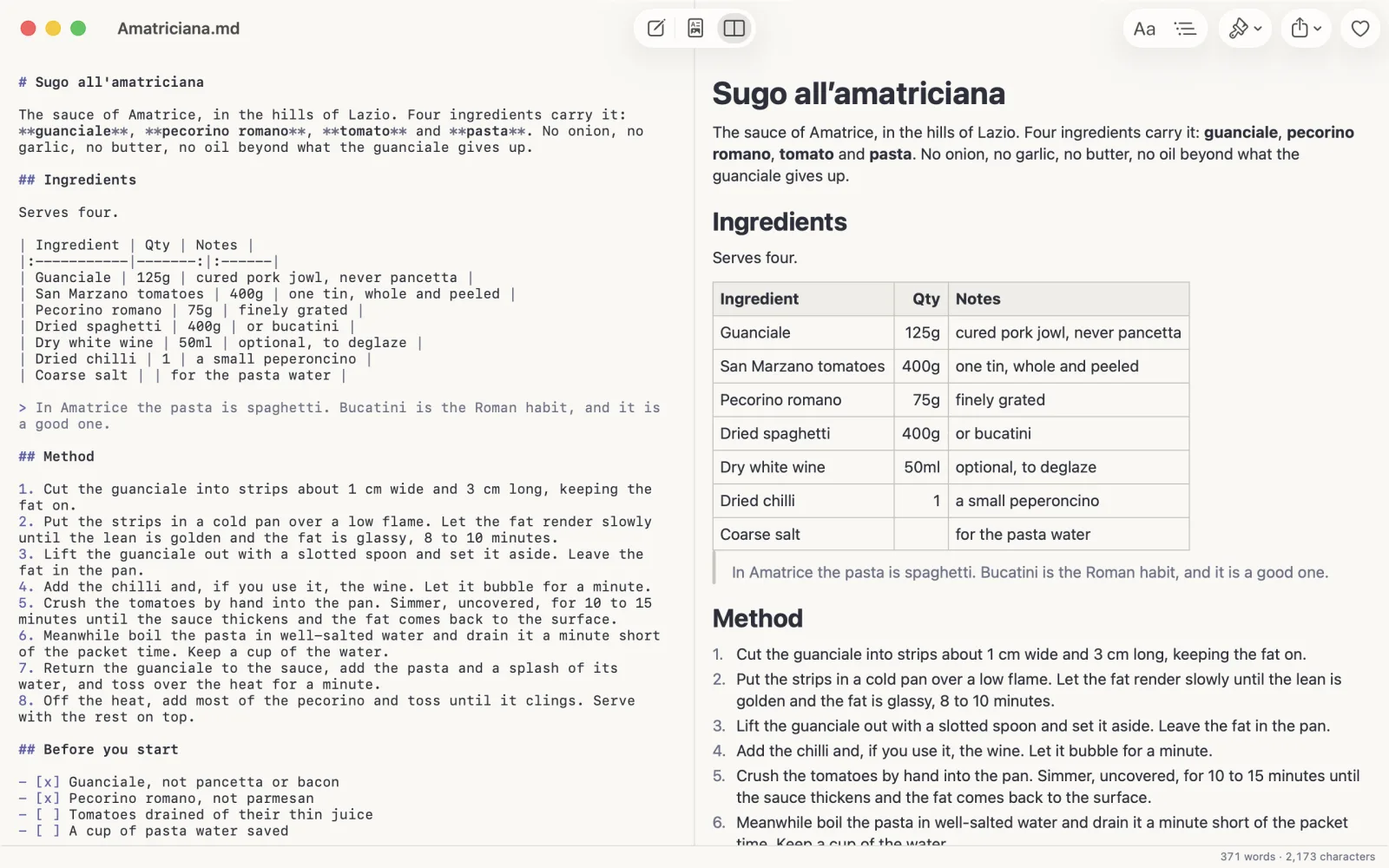
A hash for a heading, stars for bold, a dash for a list. The preview beside you turns those marks into the finished page as you type. Indent does not format for you; it shows you what your Markdown means.
# Sugo all'amatriciana

Four ingredients carry it: **guanciale**,
**pecorino**, **tomato** and **pasta**.

| Ingredient | Qty  |
|------------|-----:|
| Guanciale  | 125g |
| Pecorino   |  75g |

> Bucatini is the Roman habit.

- [x] Guanciale, not pancetta
- [ ] A cup of pasta water saved
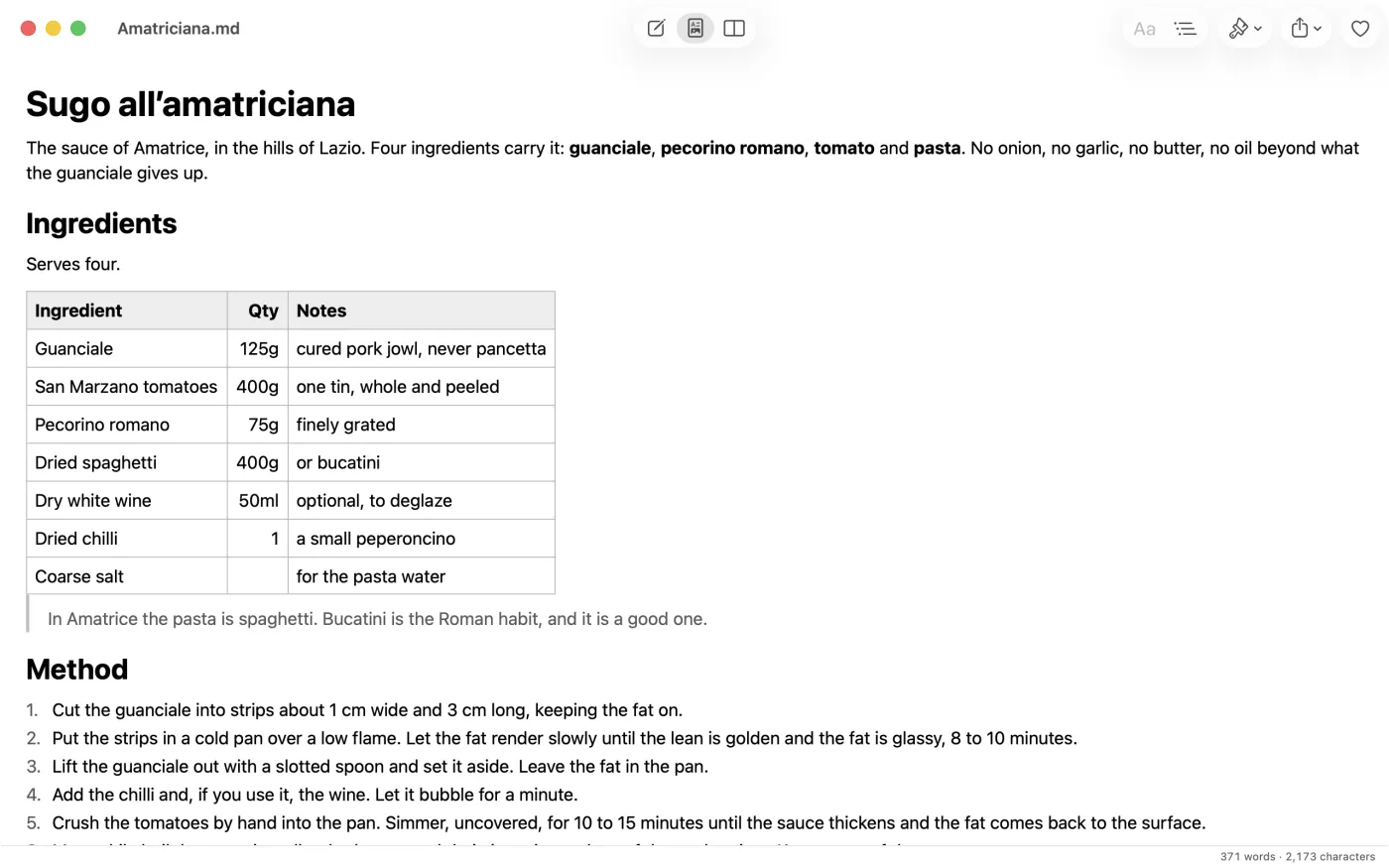
Four ingredients carry it: guanciale, pecorino, tomato and pasta.
| Ingredient | Qty |
|---|---|
| Guanciale | 125g |
| Pecorino | 75g |
Bucatini is the Roman habit.
The editor on the left, the page on the right. In Split view on iPad and Mac they sit side by side, and the page follows as you scroll.
Nothing is imported and nothing is locked in.
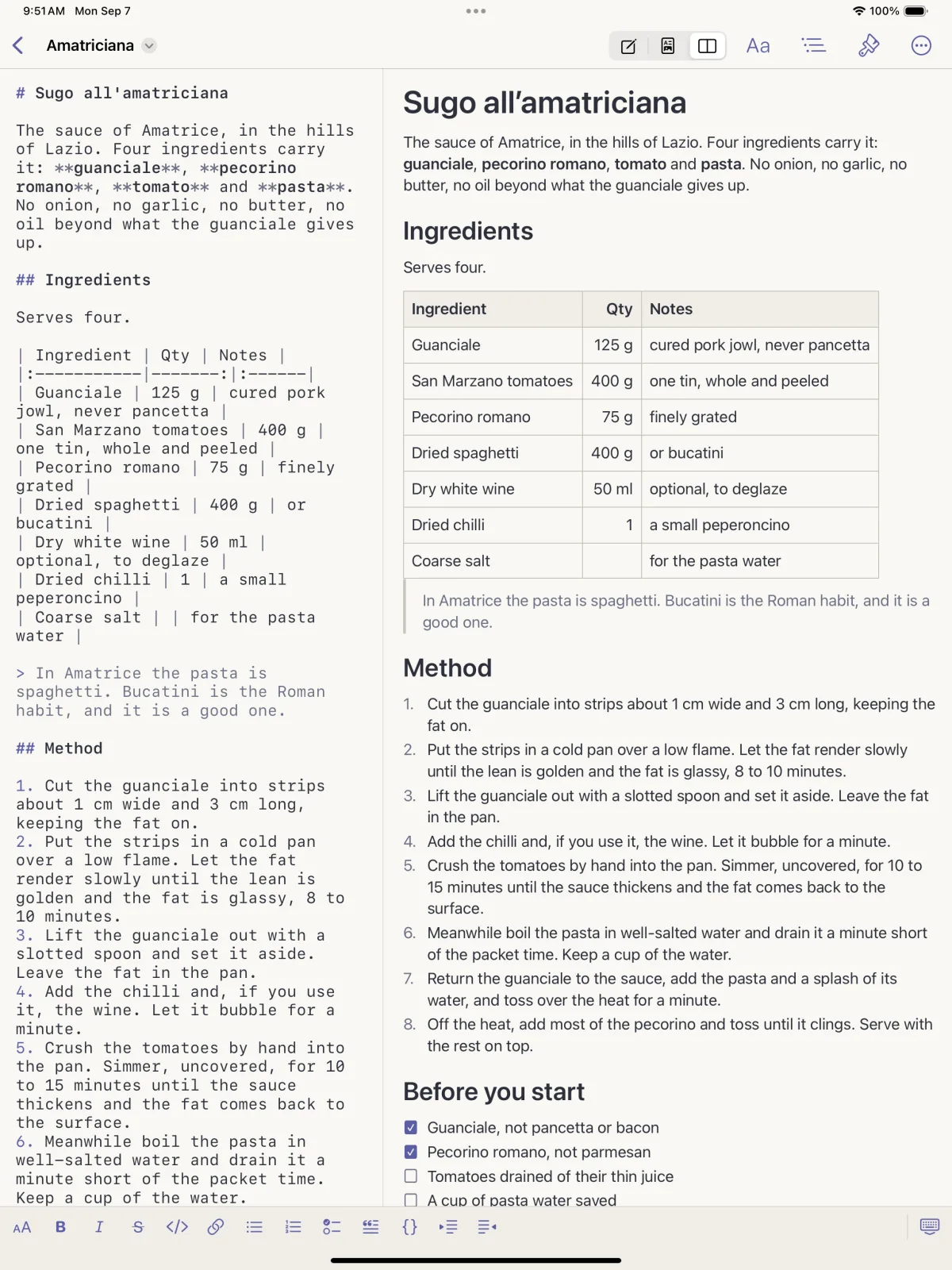
Indent opens Markdown files where they already live: in Files, in iCloud Drive, in a folder on your Mac, or in the folder another notes app keeps them in, such as an Obsidian vault. It saves them back as the same text.
It is the same app on iPhone, iPad and Mac. Write on the phone in the queue, open Split view on the iPad at the kitchen table, finish on the Mac with the outline open beside you. An Indent folder in iCloud Drive keeps the file in step.
If you stop using Indent tomorrow, every word is still yours, readable in any editor.
Free. No account, no subscription, no adverts.
Headings, emphasis, code, links, lists, quotes and tables are coloured in the source. A formatting bar sits above the keyboard on iPhone and iPad; the Mac has keyboard shortcuts for all of it.
Real tables, checklists, nested lists, quotes, images and fenced code coloured in more than forty languages.
Editor and page side by side on iPad and Mac, with the preview following as you scroll. Drag the divider to suit the piece.
An outline of your headings to jump around a long piece, and Find in both the editor and the page.
Share the finished piece as a PDF or an HTML page, or print it from the Mac, on A4 or Letter depending on where you are.
Files from other tools open cleanly, front matter included, and go back as the same text. Standard CommonMark with tables, strikethrough and task lists.
Each with a light and a dark face, from warm paper to plain black on white. The Styles panel and the theme menu are a tap away.
Saves as UTF-8 and opens most older text encodings, so a note from a decade ago is still a note.
No account, no analytics, no tracking. A note never leaves your device unless you share it.
There are other Markdown editors. But ours is free, and always will be. There are no ads, and there never will be.
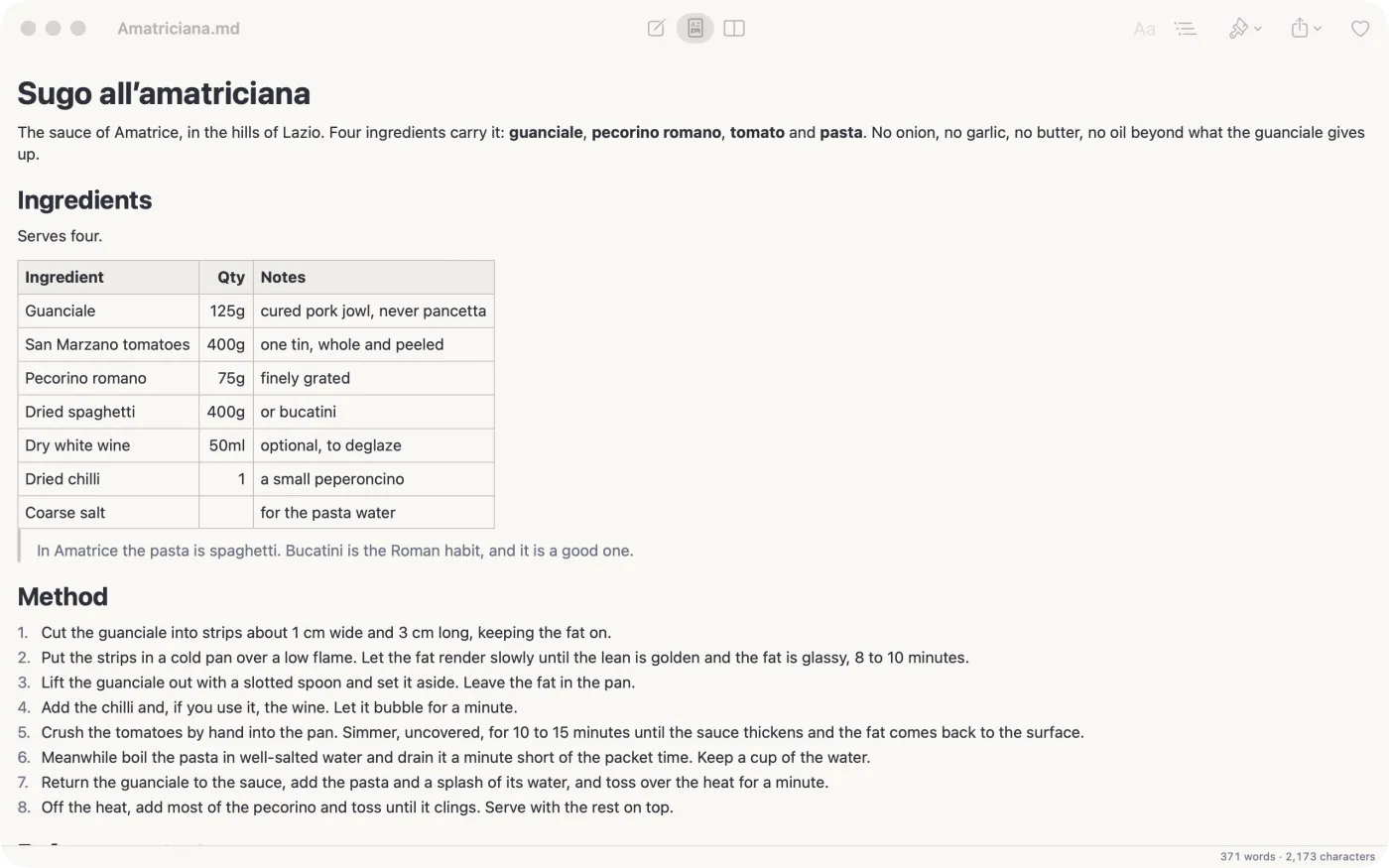
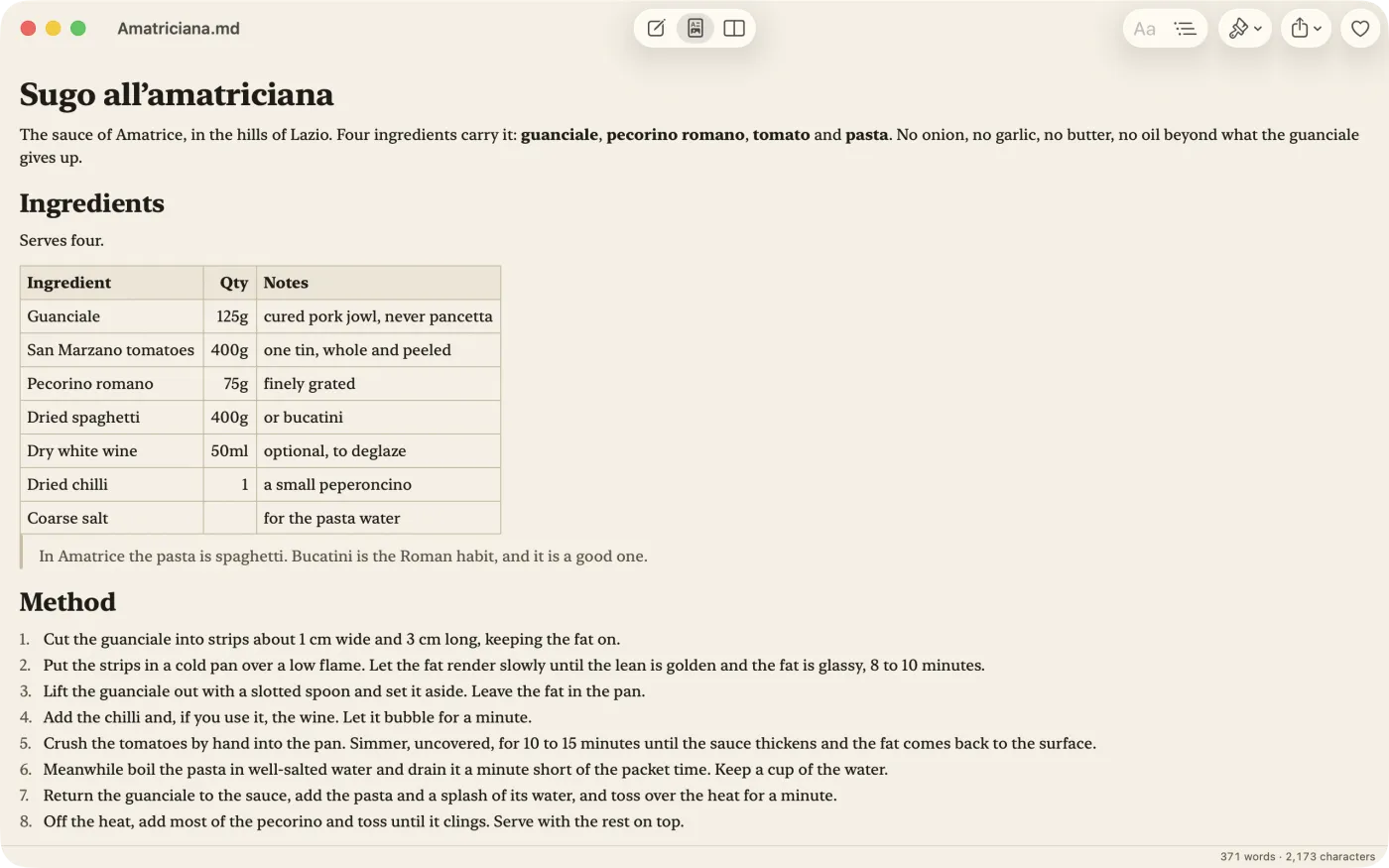
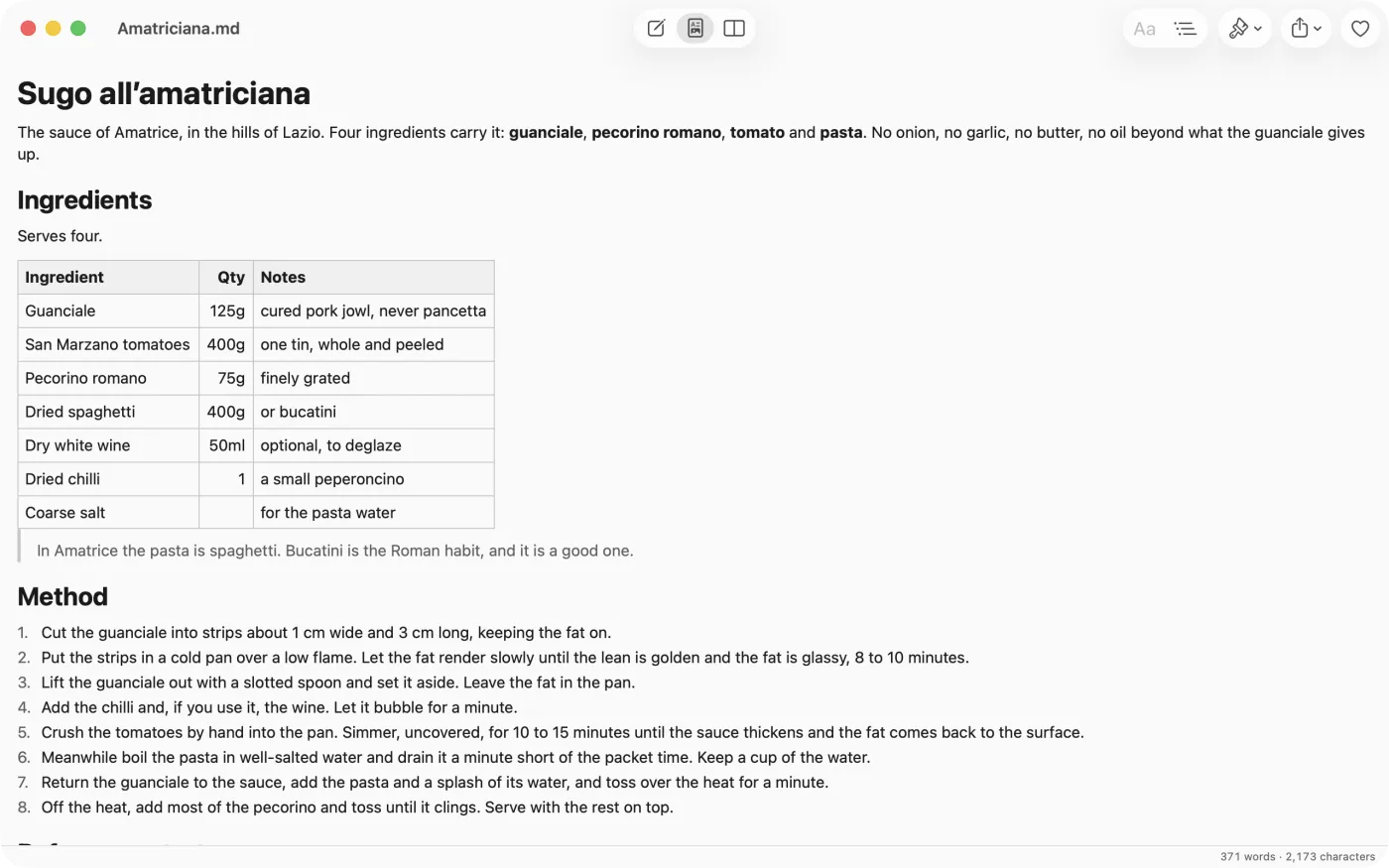
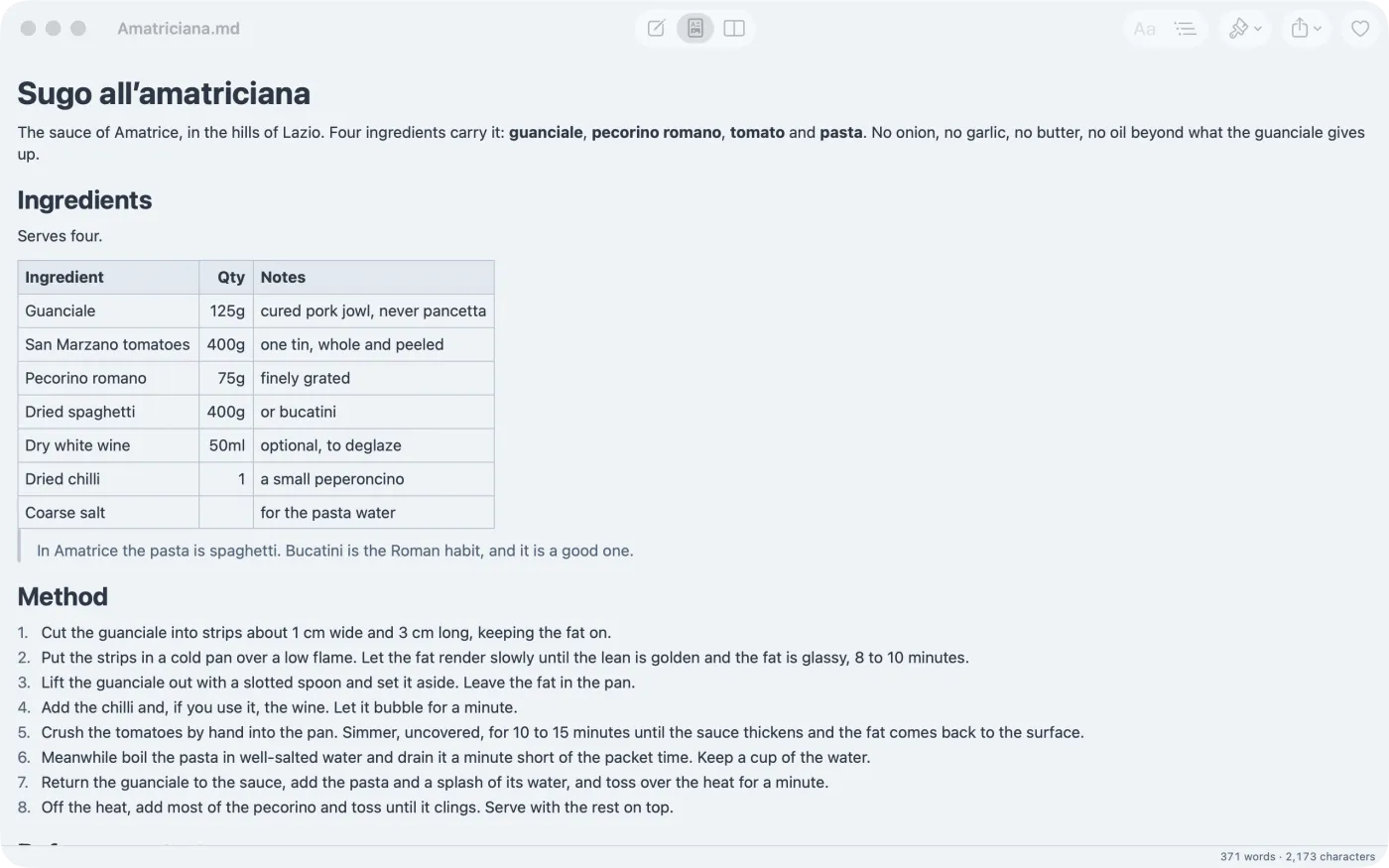
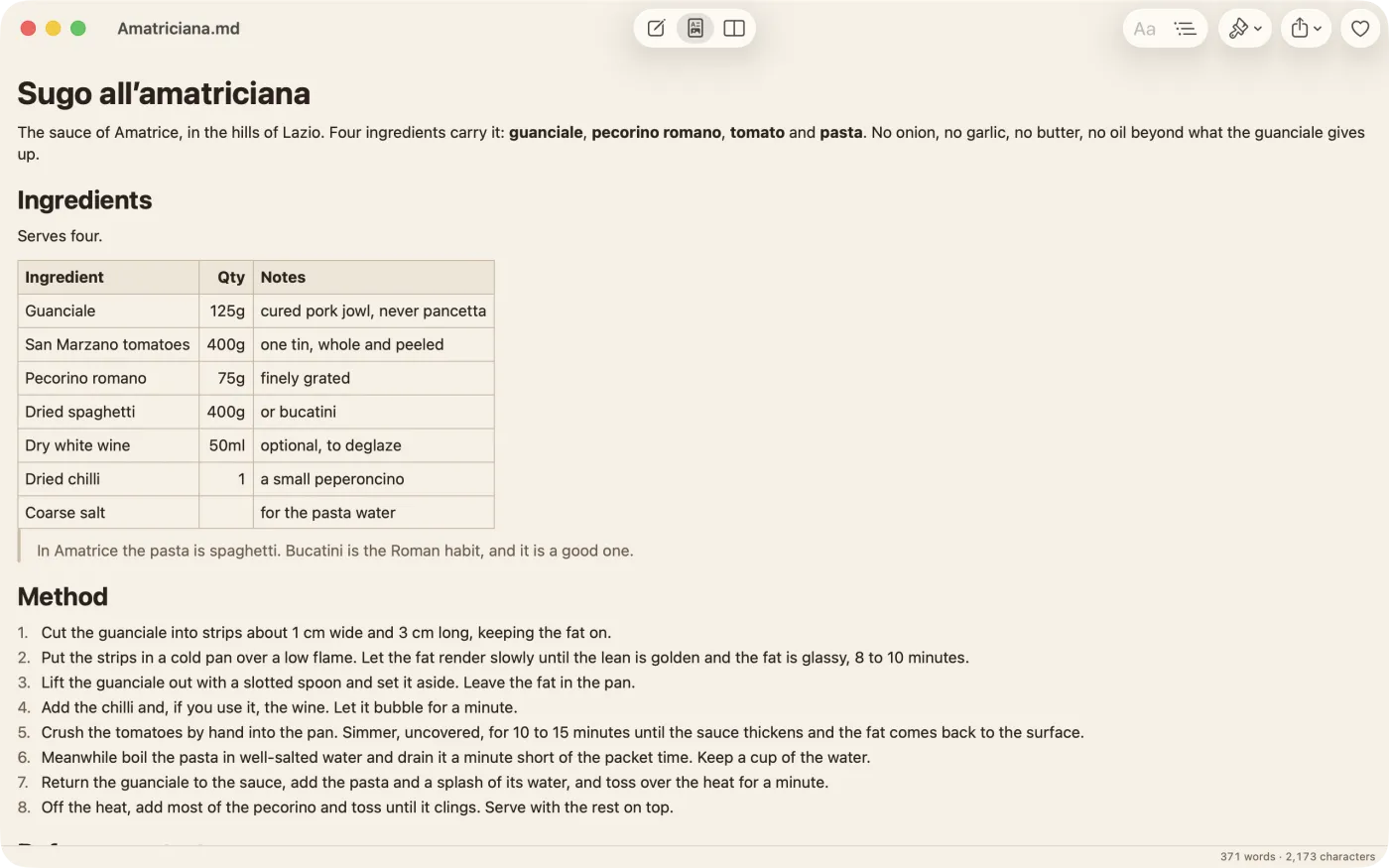
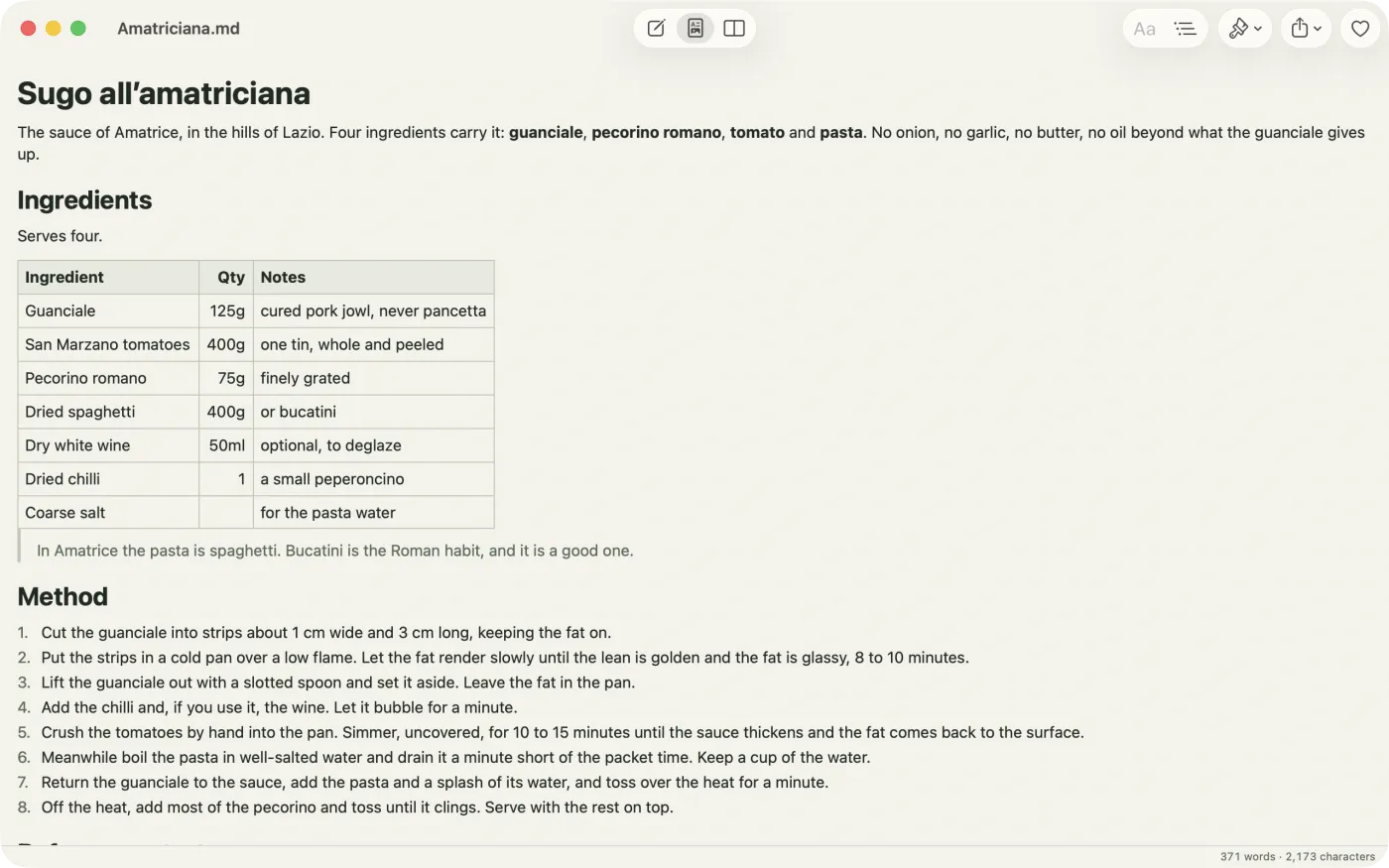
Seven themes, each with a light and a dark face. Paper sets the page in a serif on cream stock; Print is plain black on white with wider margins; Fjord, Ember and Moss each have a mood. What you share never carries your colours: a PDF or HTML file always leaves in Print.
There is no account to create and no server of ours in the middle. Indent collects no data, shows no adverts and runs no analytics. Your notes live on your device and in your own iCloud, and a note leaves only when you share it. Indent is free; if it earns a place in your day there is a tip jar inside, and nothing is locked behind it.
Yes. A vault is a folder of ordinary Markdown files. Open one from Files on iPhone and iPad, or from the open panel on the Mac, and Indent edits it in place and saves it back as the same text. Front matter is kept and shown subdued rather than rendered as headings. Obsidian's own extras, such as wikilinks, pass through as plain text.
Indent has its own folder in iCloud Drive, and a note saved there opens on every device signed into your account. Notes anywhere else in iCloud Drive work the same way, and so does a folder another app keeps there. iCloud does the syncing; there is no Merano account and no server of ours in the middle.
Yes. Choose Share as PDF from the share menu on iPhone, iPad or Mac, or print from the Mac. The pages are set in the Print theme, so what leaves the app is always clean black on white, with real tables and code blocks.
Whichever your region uses. Indent picks Letter in the United States, Canada, Mexico and the other countries on Letter, and A4 everywhere else. Print on the Mac follows the same page.
Yes. Every feature is free, with no trial period and no subscription. There is a tip jar inside for anyone who wants to leave something, and nothing is locked behind it.
Standard CommonMark, plus tables, strikethrough and task lists. Fenced code is coloured in more than forty languages. Raw HTML in a file is left alone in the source and passed through to the HTML export.
No. Everything happens on the device. The only time Indent goes online is to fetch an image your note links to by URL.
iPhone or iPad on iOS 18 or later, or a Mac on macOS 15 Sequoia or later. Files open from the Files app, from other apps through Open In, and from the Finder on the Mac.
Indent is made by hand by a small studio in Ireland, and the person who wrote it reads every message. Something not right, or a Markdown file that does not open the way you expect? Get in touch and, if you can, attach the file.
Write Markdown, see the page.